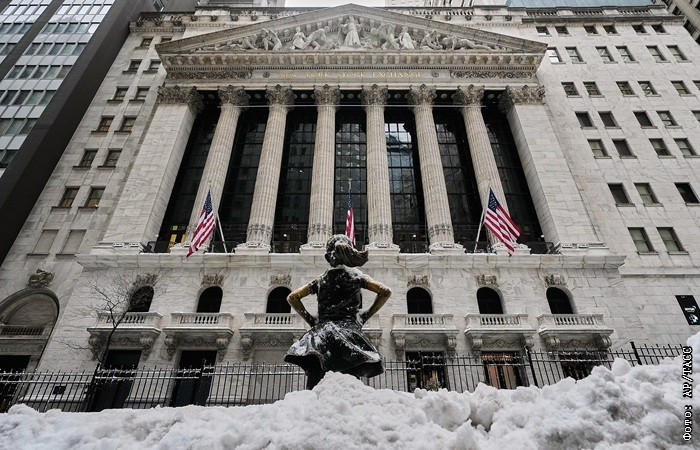

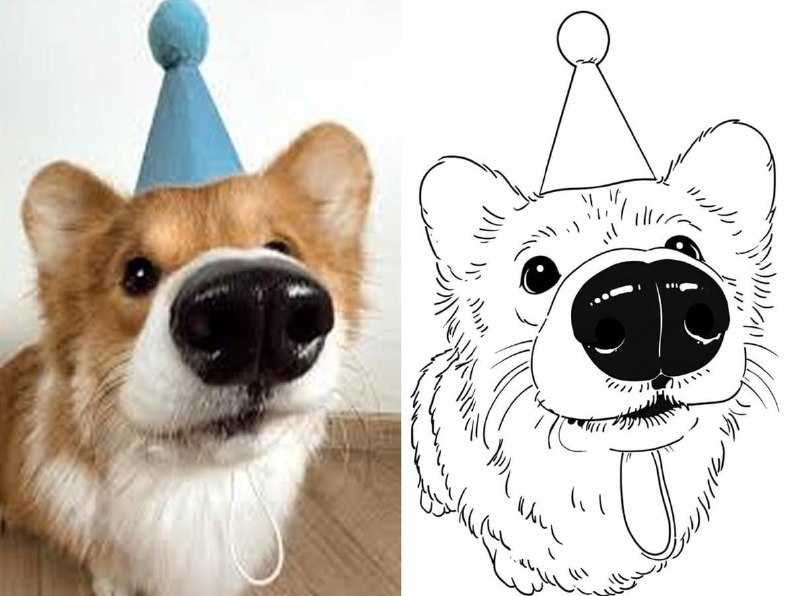
Say goodbye to purchasing countless coloring books; now you can design your own! This activity is perfect for children and serves as a delightful way for adults to unwind. All you need are some captivating images and a straightforward instruction. How can you generate a coloring page? First, access the designated bot. Then, follow these steps: In the menu, choose Image Generation followed by GPT Images. Next, upload your chosen photo and use the following prompt: Convert the uploaded image into a simple coloring page suitable for young elementary school children. Please create a black-and-white line drawing of the scene, featuring clean lines and simplified shapes, and exclude any shadows, textures, or gradients. Ensure that the background remains entirely white. The outline should mirror the composition of the original image in a friendly and simplified manner. Within minutes, the bot will provide you with a ready-to-print coloring page! For optimal results on A4 paper, it's recommended to select a 2:3 aspect ratio. Additionally, you can generate your own images using an AI model. Best of all, using the GPT Images feature is free, allowing for up to 25 creations each week.
Informational material. 18+.